Autopilot: Put the repeatable work on Autopilot.
Describe the sales task once. Done CRM checks for the right moment and reminds the right person, so deals keep moving when the day gets busy.
Repeatable sales work, handled for you.
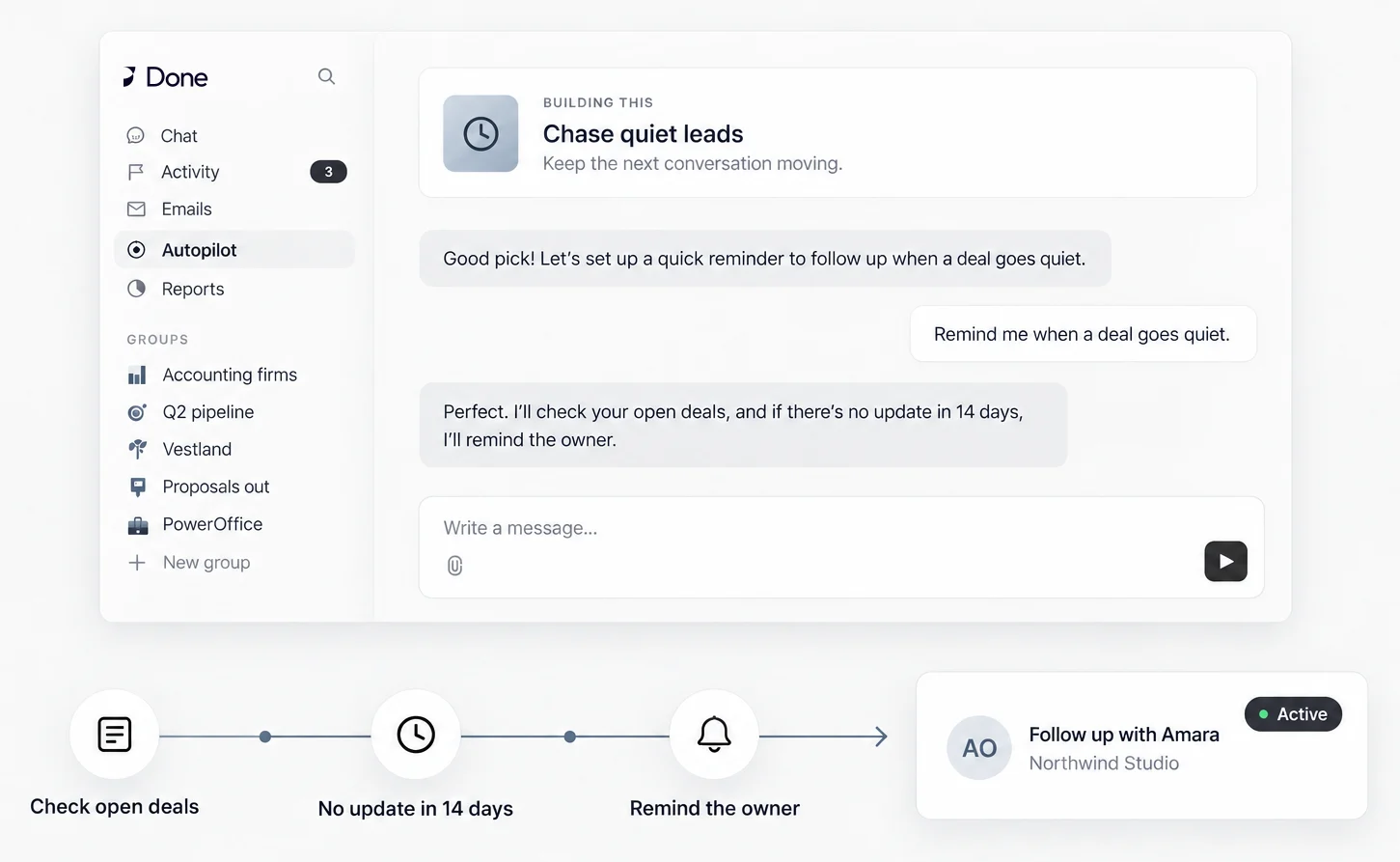
- Start with a familiar job.Use a template for the work you repeat.
- Use ordinary words.Describe the rule the way you would say it.
- Keep deals moving.Put the reminder with the right owner.
Make the repeatable parts feel lighter.
You already know the sales jobs that keep coming back. Describe one once, then let Done CRM check for the moment and keep the owner moving.
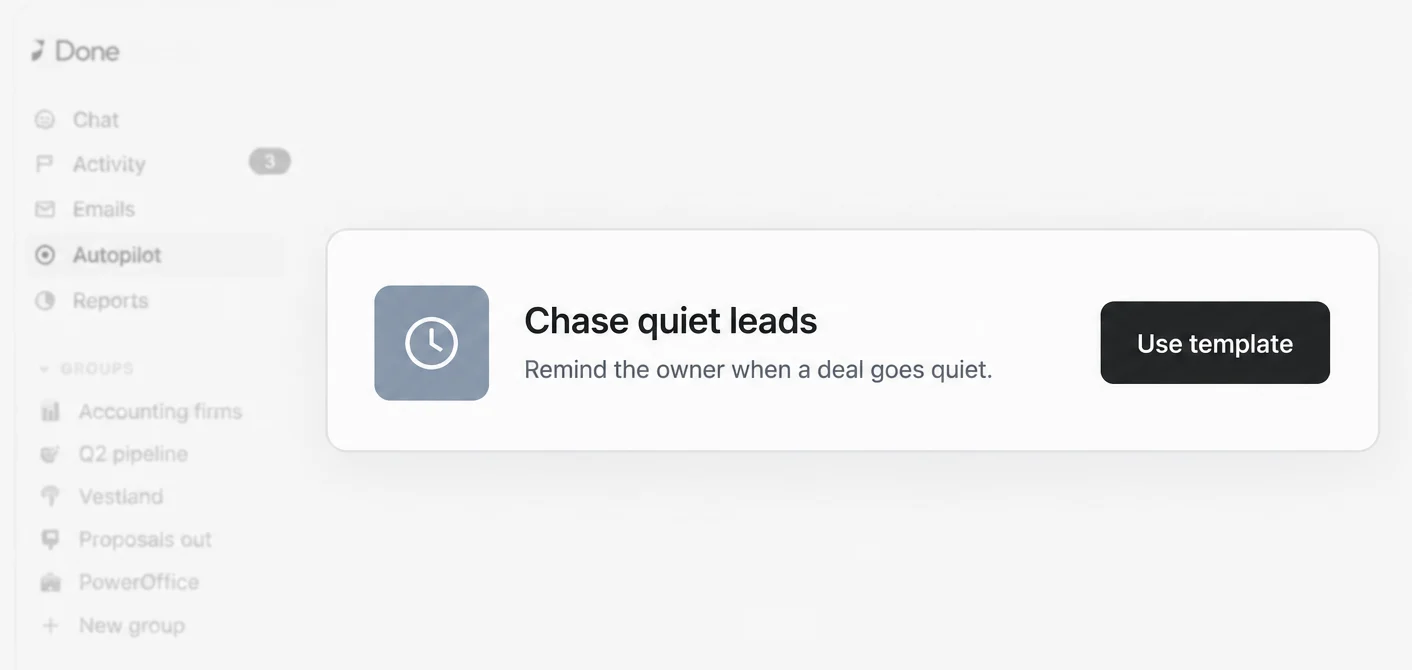 Start with a template
Start with a job you already know.
Pick a ready-made reminder and make it yours.
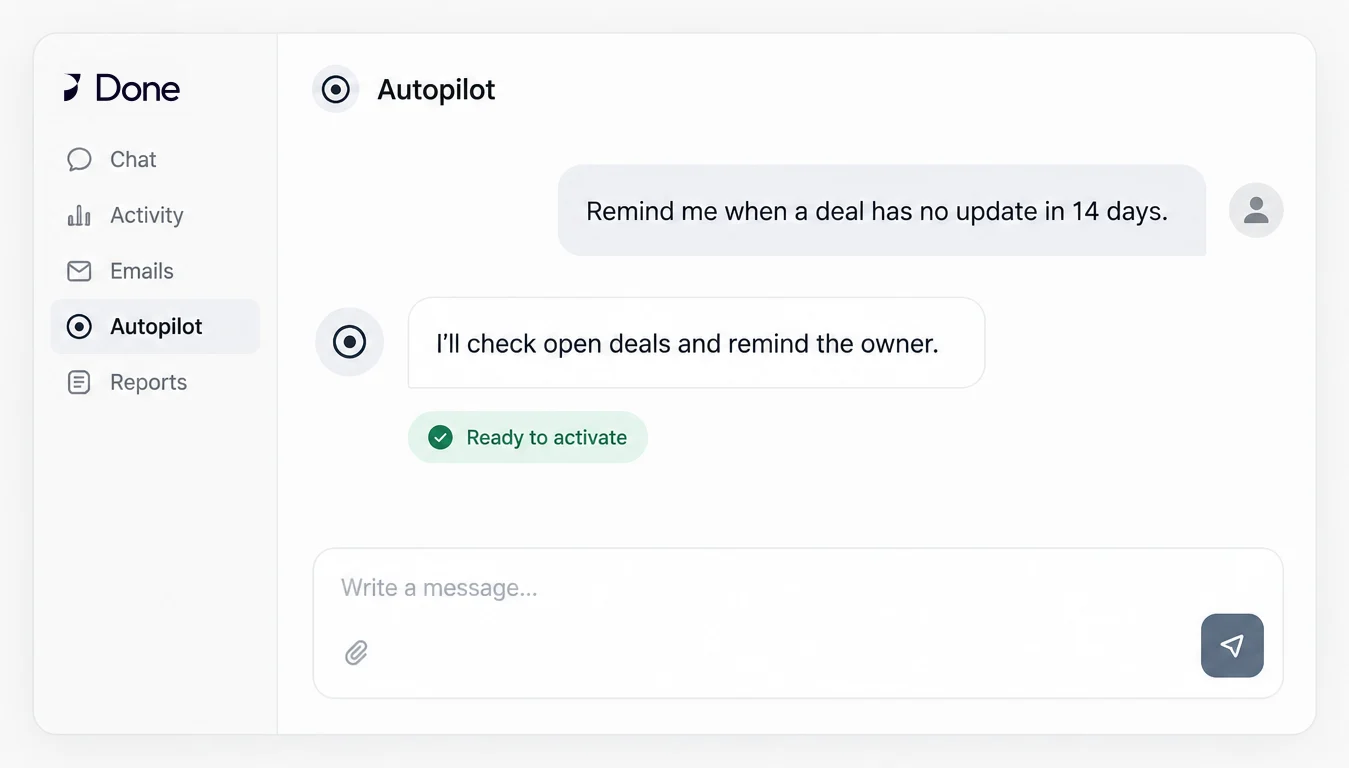 Use ordinary words
Tell Done CRM what should happen.
“Remind me when a deal has no update in 14 days” is enough to begin.
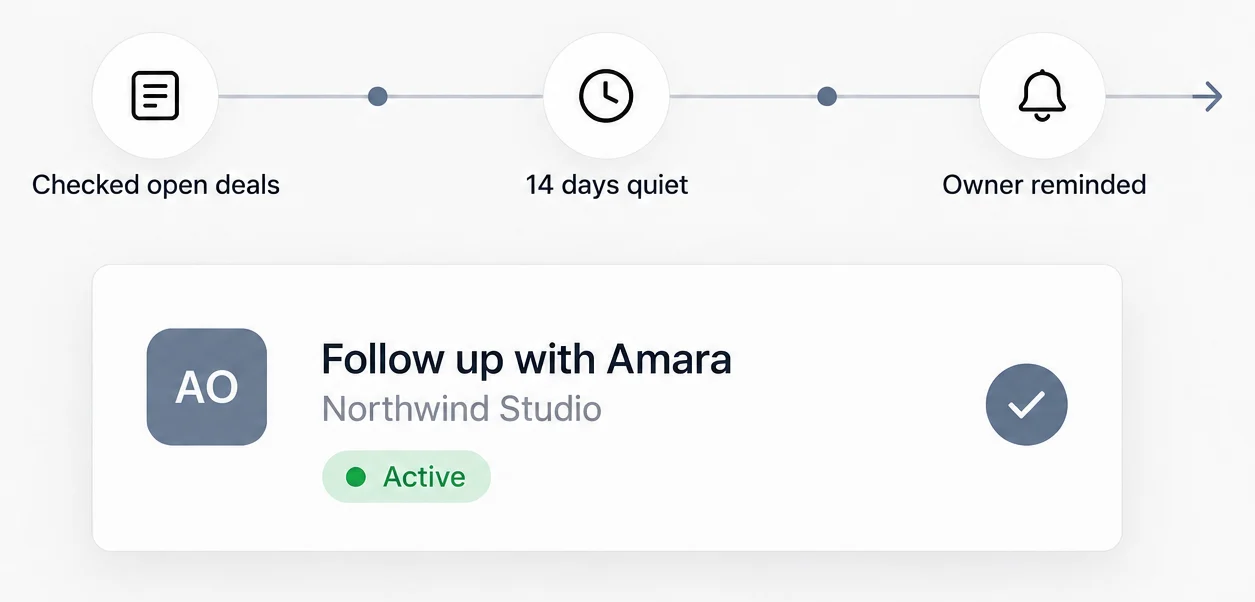 See the result
Keep the next conversation from slipping.
Done CRM checks the deals and reminds the owner when one goes quiet.
Make it fit your business. Autopilot handles the repeatable check. Your team still owns the relationship and the conversation that follows.
One rule, four useful moments.
Set up the job while the problem is clear, then let the result arrive where the owner already works.
- 01Choose “Chase quiet leads”
- 02Describe the 14-day rule
- 03Activate the job
- 04See “Follow up with Amara” as the result
Give every reminder the right context.
A few things people ask before they start.
See your sales day in Done CRM.
See a repeatable sales task run without another reminder in your head — start a free trial, or book a meeting and we will walk you through it.
30-day free trial. No card needed.
Done CRM
Talk to us
Tell us a little about your company and we will take it from there.
Message received
A Done CRM advisor will get back to you shortly.