

01
A card for everyone who spends
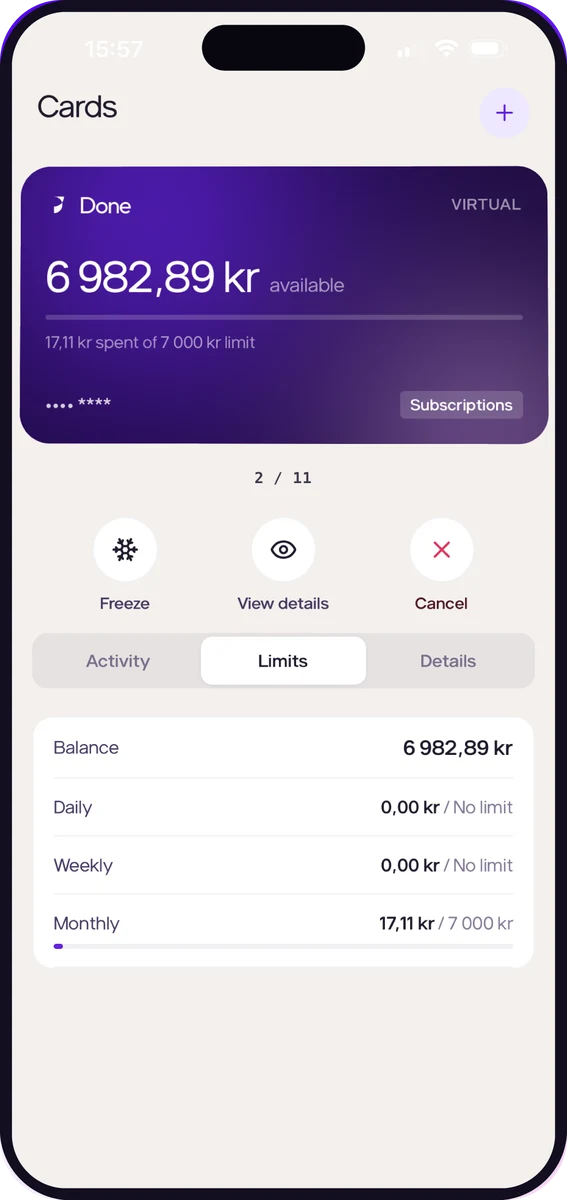
Physical and virtual cards for your team, each with its own limits. If a card goes missing, freeze it in one tap.
Products
PayPayments, one settlementCRMCustomers, deals and invoicesSpend ManagementCompany cards that file themselvesBNPLPaid the day you invoiceMarketingAds, search and emailRecruitingYour ad live within hoursMRPProduction and logisticsAccountingThe books keep themselvesCheckoutInvoices paid by card or VippsDebt CollectionReminders and collection, one clickCompany cards and spend management built into Done OS. Not another supplier to manage — part of the system that already runs your books.
The Done Spend app for iOS and Android is coming soon.
Sign-up happens in the Done Spend app, which is coming soon to the App Store and Google Play. Until then, get in touch and we’ll get back to you.
01
Get the app from the App Store or Google Play and create your login.
02
Add your company details and complete verification from your phone. No desktop required.
03
Issue virtual cards straight away and order physical cards for your team.
Coming soon to the App Store and Google Play.
What happens from the moment someone taps their card to the moment it lands in your books.
Physical and virtual cards for your team, each with its own limits. If a card goes missing, freeze it in one tap.
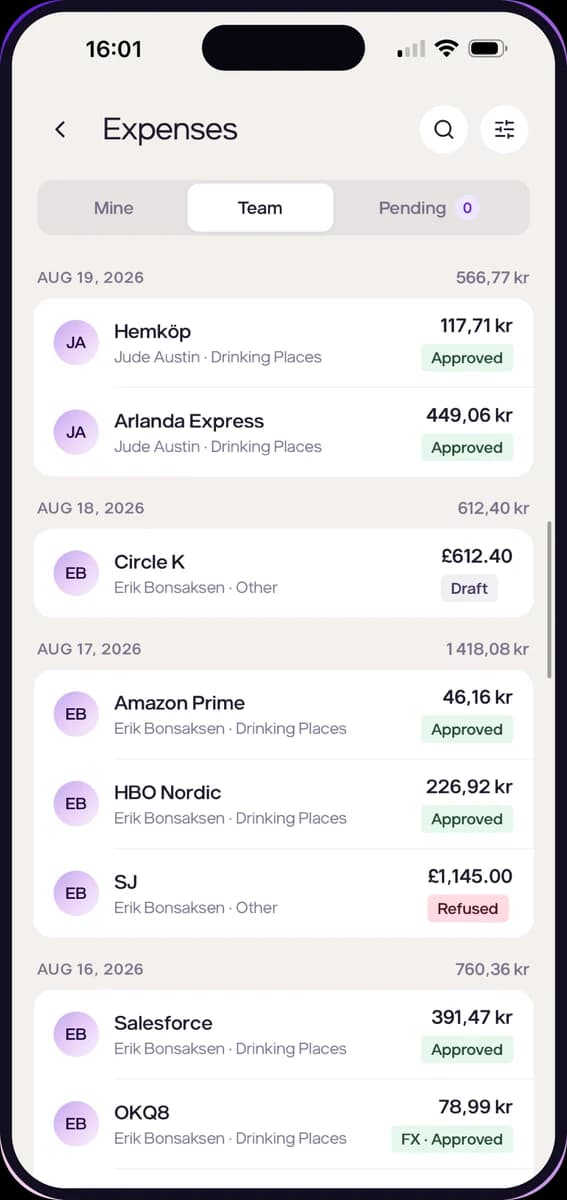
Transactions appear in the app as they happen. Snap the receipt, categorise it and submit.
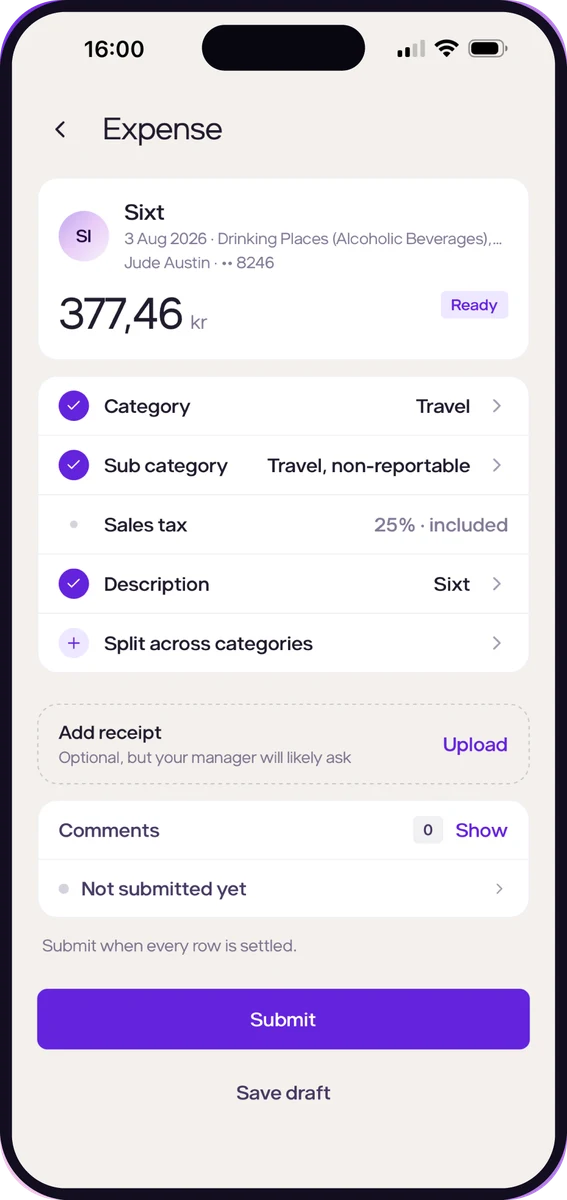
Set limits per card, approve spend and see where money goes across the company, from wherever you are.
Transactions and receipts sync to your accounting system, so month-end is already done.
Transactions are categorised as they happen, and Done proposes the next task for you to approve.
What happens from the moment someone taps their card to the moment it lands in your books.
Physical and virtual cards for your team, each with its own limits. If a card goes missing, freeze it in one tap.
Transactions appear in the app as they happen. Snap the receipt, categorise it and submit.
Set limits per card, approve spend and see where money goes across the company, from wherever you are.
Transactions and receipts sync to your accounting system, so month-end is already done.
Transactions are categorised as they happen, and Done proposes the next task for you to approve.
Issue cards for every team member, subscription or project in seconds. Freeze or cancel any card at once.
Set daily, weekly or monthly limits on each card, and approve or reject expenses from the app.
Card holders snap receipts on the go and split them across categories. No more chasing paper at month-end.
Transactions and receipts flow directly into your accounting system.
Every transaction is categorised as it happens, ready for your books.
Done drafts the admin — receipt reminders, coding, reconciliation — and you approve it.
Done Spend works alongside the rest of Done, so cards, payments and your books share one system.
The Done Spend app is coming soon. Get in touch and we’ll get back to you.
Contact
We’ll get back to you within 24 hours.
Message sent
We’ll get back to you within 24 hours.
Get in touch
Describe your issue and our team will get back to you.
Message sent
Our team will get back to you shortly.