Increase revenue and customer experience with our ordering solution
Discover the power of Done, where innovation meets simplicity. The guest scans, browses and orders — and the order goes straight to the kitchen, the bar and the books, all at once.
Order at home or in the restaurant with Done Ordering
Our ordering solution seamlessly combines QR codes, online ordering and self-service for a convenient and efficient customer experience.
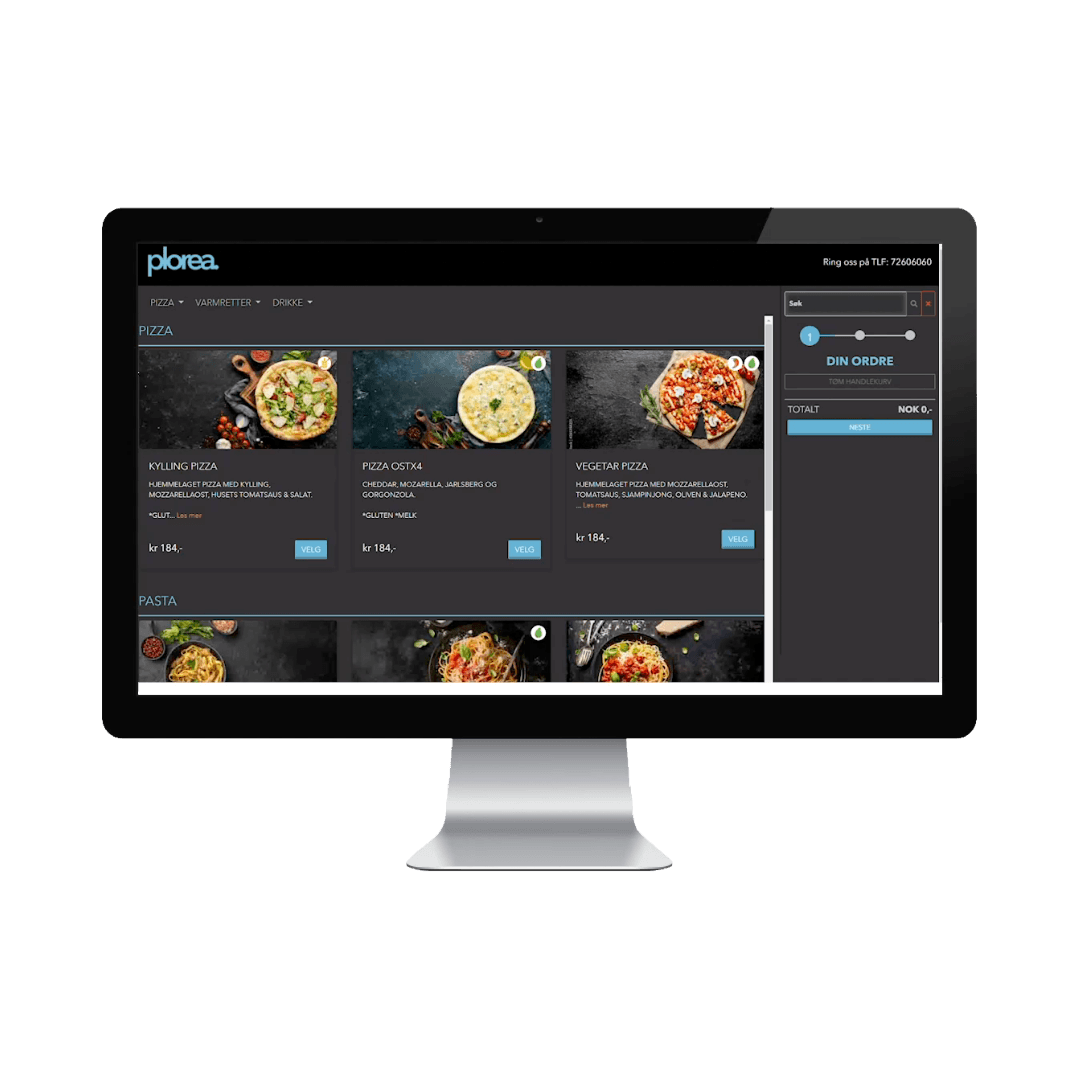
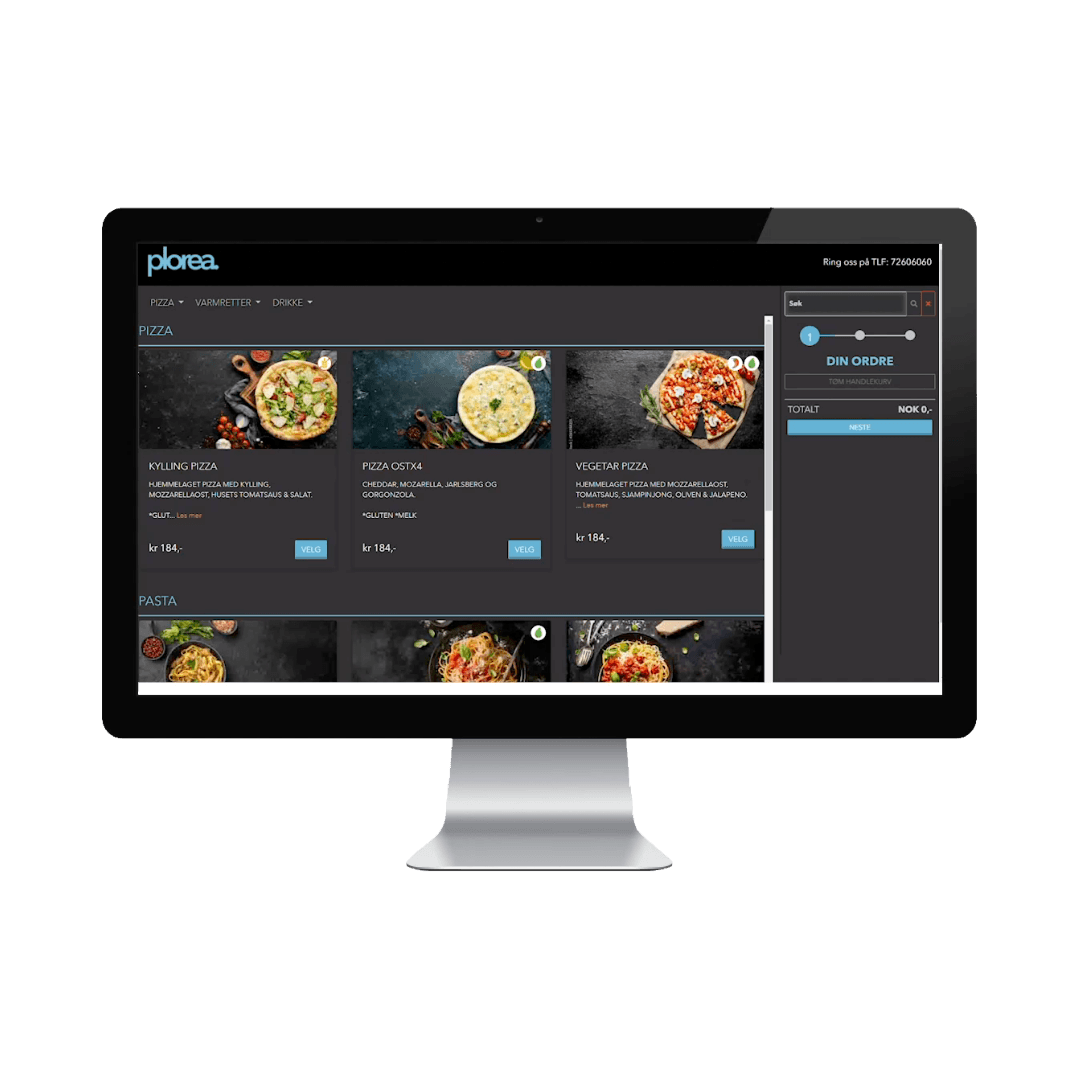
This is how it works
The customer visits your website or scans the QR code in your venue, browses the menu and picks what they want.
The customer chooses when the order should be ready for pickup, or which table it should be delivered to.
The customer heads to the basket to pay, or logs in as a registered customer for a faster checkout.
The order is booked in your accounts immediately and sent on to the kitchen or bar for production.
Why choose our ordering solution?
Every completed order is recorded and booked at the register, then sent on to the kitchen or bar for production.
QR or online ordering lets the customer browse the whole menu, which leads to higher sales.
Stand out with your own design profile on the ordering pages — not a generic widget.
See the ordering solution in action
Book a demo and we’ll show you how QR ordering works together with the kitchen, the bar and your accounts in your setup — no obligation, and on your terms.
Done POS
Book demo
Tell us about your company and we’ll show you how Done fits.
Thanks! We’ll be in touch.
You’ll hear from us shortly with a time for the demo.
Frequently asked questions
How does QR ordering work?+
The guest scans a QR code at the table, browses the menu and orders themselves. The order goes straight to the kitchen, bar and checkout, and is booked automatically in the accounts.
Can customers order takeaway online?+
Yes. The ordering solution supports online ordering for takeaway and delivery, in addition to QR ordering on-site.
Does online ordering increase revenue?+
Self-service ordering typically raises the average check because the full menu and add-ons are easy to browse, without adding staff.